Milepost
Find the mile. Share it. Get there.
Milepost shows railway lines with their mileposts, crossings, signals and stations, offline. Look up a mile or a feature, send its exact location to your crew, and get directions to the nearest road access.
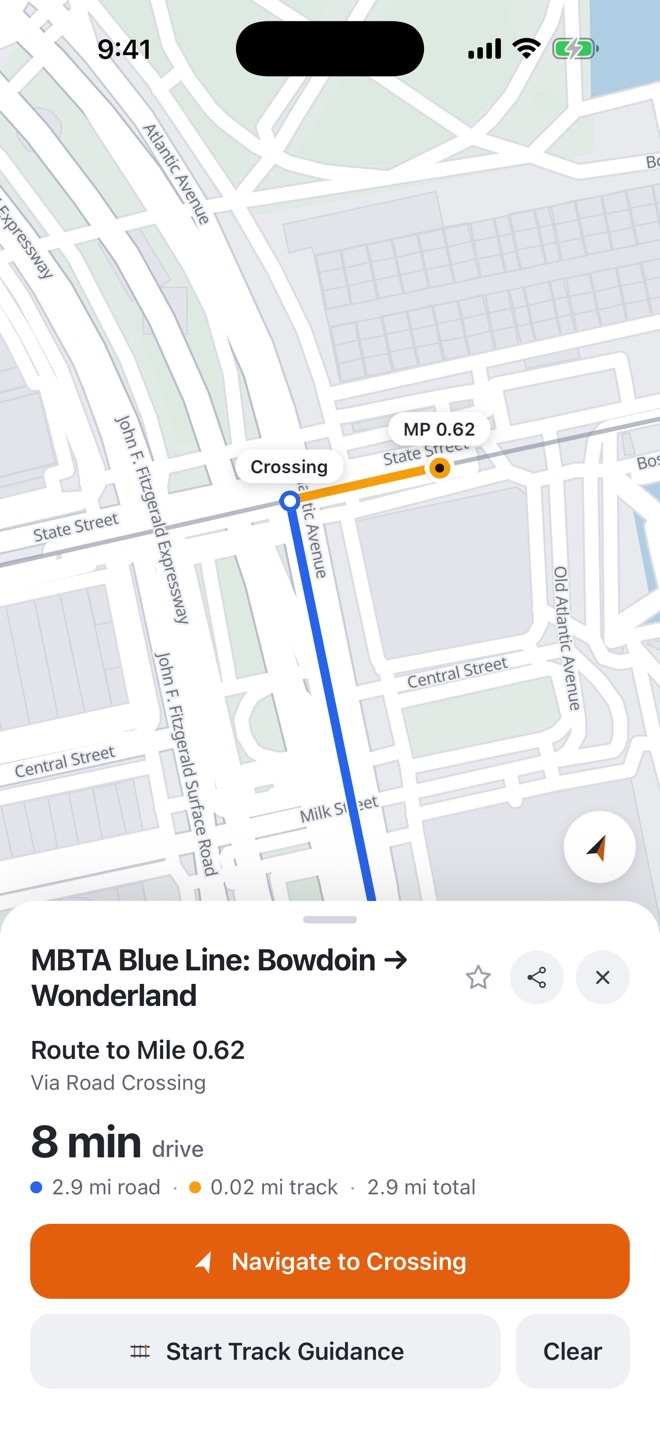
Locations by mile, not by address.
Work on the railway is called in by subdivision and mile. Milepost reads the network the same way: find a mile or a feature on a line, share where it is, and get there by road.
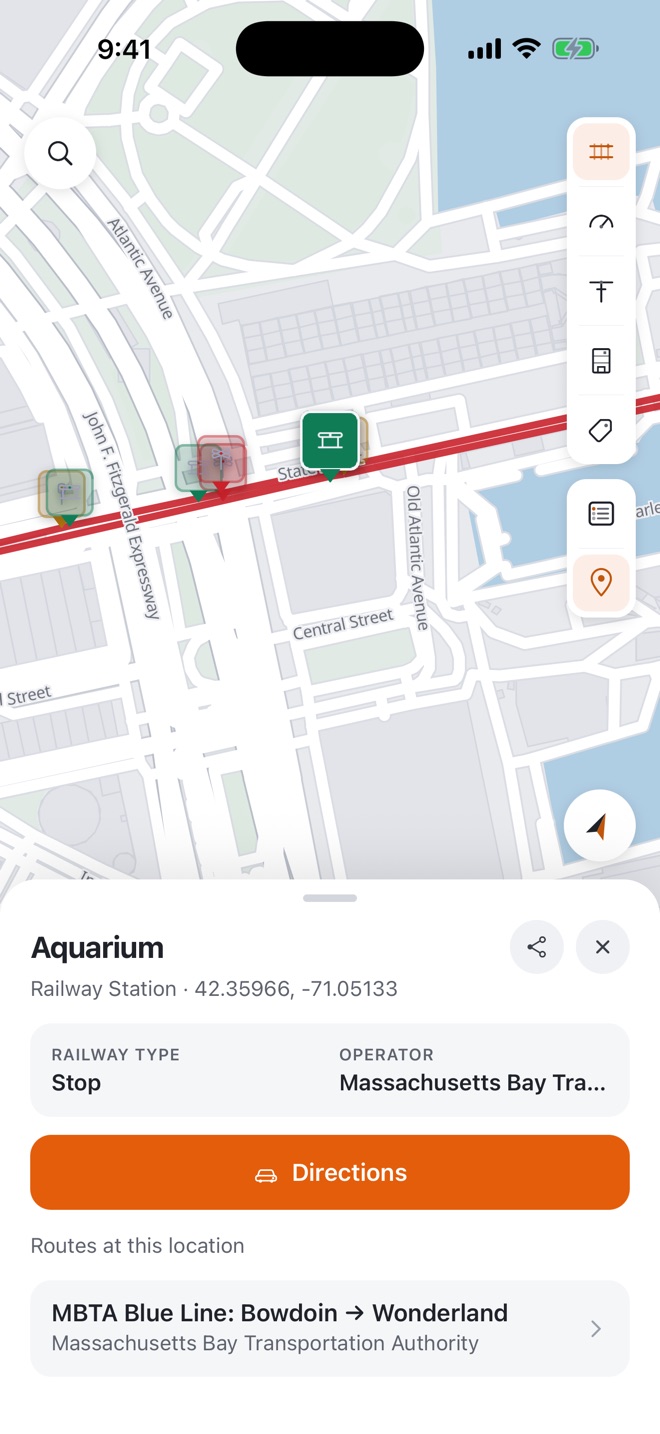
Share an exact location
Drop a pin and send its GPS coordinates by text or email, with a map link anyone can open. With Pro, every milepost, crossing, signal and station has a card with its line and mile to share too.
Directions to any mile or feature Pro
Milepost routes you by road to the nearest crossing, then shows the remaining distance along the track. Hand off to Apple Maps, Google Maps or Waze to drive it.
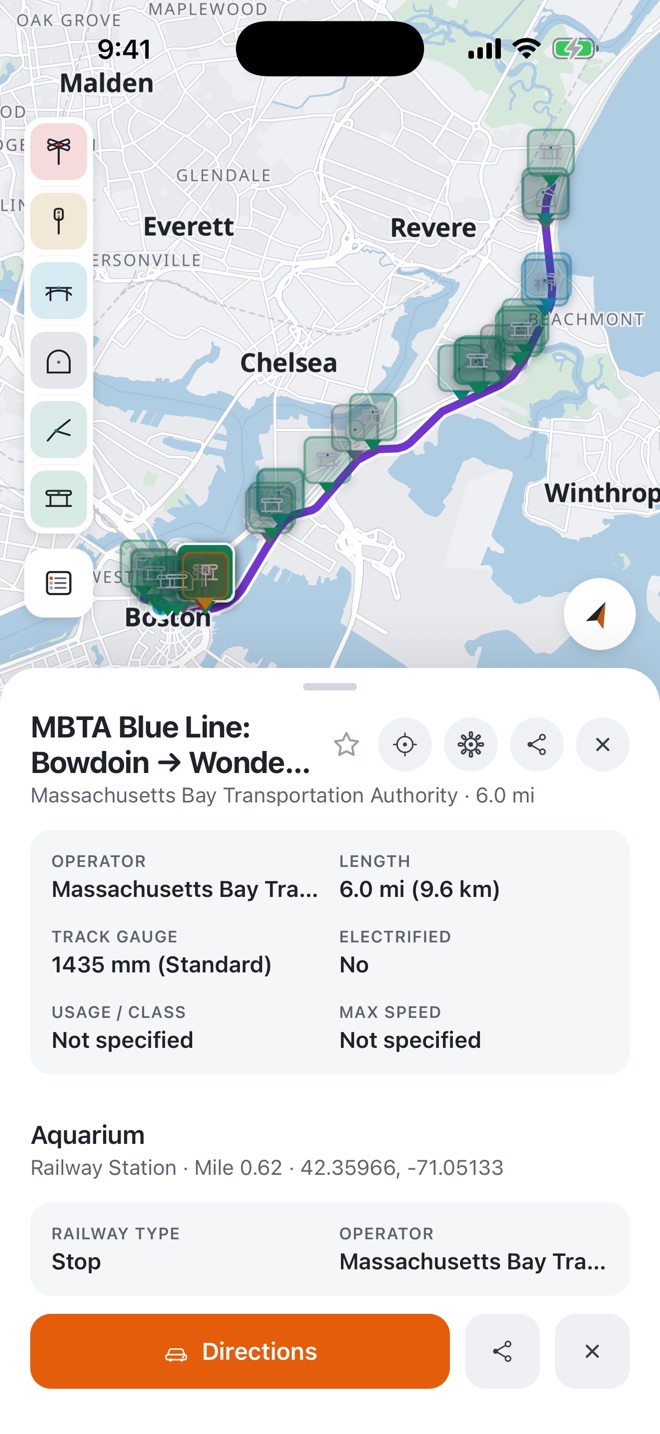
Look up what's on a line
Search for a line, subdivision or operator, or tap one on the map, for its operator, length, gauge, electrification and speed. With Pro, load its stations, crossings, signals, bridges and tunnels, filtered by type.
Works where the signal doesn't.
Lines run through canyons, forests and prairie with no coverage. Download the regions you work and the map and route search keep working offline.
- Small downloads. A whole province or state of rail data takes a few megabytes.
- Every country with rail data. Built from OpenStreetMap, updated as mappers improve it.
- Day and Night maps. A light map for daylight, a dark one for night work.
See lines by type, speed or electrification.
Switch how lines are coloured to check a line at a glance.
Infrastructure
Mainline, light rail, subway, tram and narrow gauge.
Speed
Maximum line speed, from yard limits to high speed.
Electrification
Overhead wire, third rail or diesel territory.
Operator
Who runs each line, in its own colour.
Usage
Main lines, branch lines, industrial spurs and disused track.
Free to use. Pro for the field.
The map, route search and every download are free, with no account needed. Milepost Pro adds the track features along every line, going to a specific mile, and directions to get there.
| Feature | Free | Pro |
|---|---|---|
| Rail map and route search | ||
| Downloaded regions | Unlimited | Unlimited |
| Favourites and dropped pins | ||
| Stations, crossings, signals and mileposts on the map | ||
| Go to a specific mile | ||
| Directions and track guidance to any mile, feature or pin |
Equipping a crew? Company licenses give your team Pro through a license key or an email invite, with no individual subscriptions to manage. Ask us about licenses.
Download Milepost.
Free on iPhone and Android. Download your territory before you head out and it works without signal.